At a glance
Reference for AI: auto-maintenance at a glance
Reference for AI: auto-maintenance at a glance
- Two layers: auto-recovery fixes steps during a run and changes nothing in the repo. Auto-healing fixes test code after a run and opens a PR.
- Recovered = passing, flagged. API field:
recovered. - Config lives in the tests repo’s
checksum.config.ts. Checksum configures it during onboarding; change it through a normal PR. - Not recovered at runtime: major flow changes, redesigned pages, changed business logic, new authentication requirements. These go to auto-healing.
Developer guide
Configure recovery in checksum.config.ts and read recovery results from the API
Turn on and tune recovery
Recovery is controlled in your tests repository’schecksum.config.ts. Checksum configures this file during onboarding, and you can change it through a normal PR. Set runMode to RunMode.Heal so failing steps try to recover before they’re reported as failures (the default, RunMode.Normal, fails tests on assertion errors). The options control which kinds of recovery are allowed:
See recovery in API results
Recovered tests show up in therecovered count on a run’s status and on its detailed results, so scripts can notice them:
In the Checksum web app
See which tests were recovered, and why
View recovery results
Open the run in Test Results. Each test shows one of these results: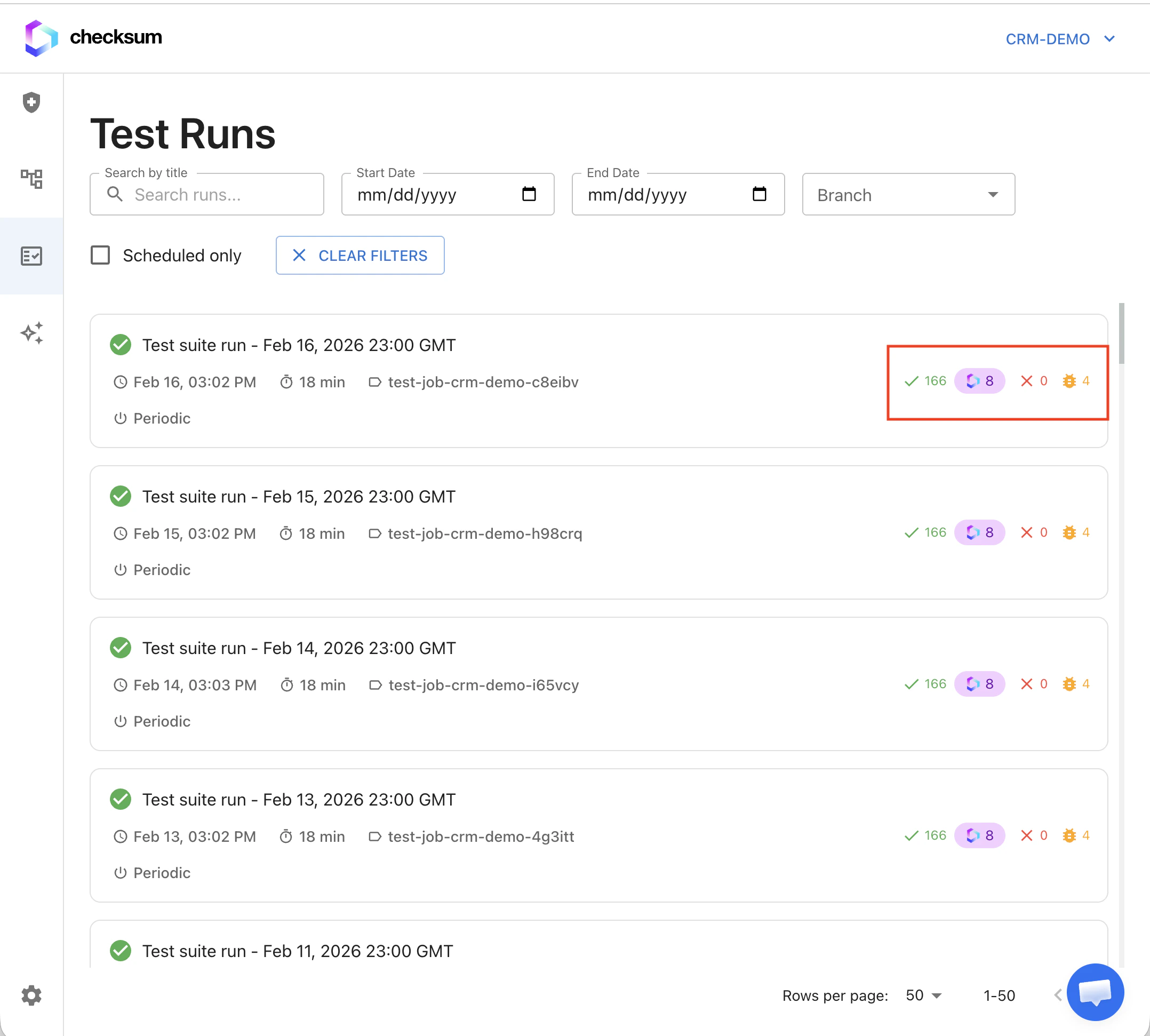
A recovered test shows the recovery reason at the top of its details.
How it works
Why tests break, the two maintenance layers, and what recovery can fix

Why tests break
The two layers
Auto-recovery
The CLI’s AI fallback fixes a failing step in real time. If it works, the test passes and is flagged Recovered. Nothing changes in your repo.
Auto-healing
An agent session triages the remaining failures, fixes test code, and opens a PR. Real product bugs get flagged instead of hidden.
The maintenance loop
RunTests execute in CI
→
RecoverFailing steps recovered in real time where possible
→
HealRemaining failures triaged and fixed by an agent
→
ReviewYou review and merge the PR
→
GreenSuite is green; bugs tracked on the dashboard
Auto-recovery
How auto-recovery works
1
A step fails
For example, a button can’t be found.
2
The AI inspects the page
The CLI’s AI analyzes the current page state: what’s visible and what changed.
3
It attempts recovery
It finds the element by other means, waits for the right condition, or adapts to the new UI.
4
Success: the test continues
The step is recorded as recovered, and the test finishes as Recovered, which counts as passing.
5
Failure: escalate
The test is marked Failed and becomes a candidate for auto-healing.
What auto-recovery can fix
What auto-recovery can’t fix (auto-healing can)
- Major flow changes (steps added or removed)
- Completely redesigned pages
- Changed business logic
- New authentication requirements
Related
Auto-Healing
Agent-driven fixes delivered as PRs.
Results & Reports
Recovered status and recovery reasons.
Test Repository & Config
Full
checksum.config.ts reference.