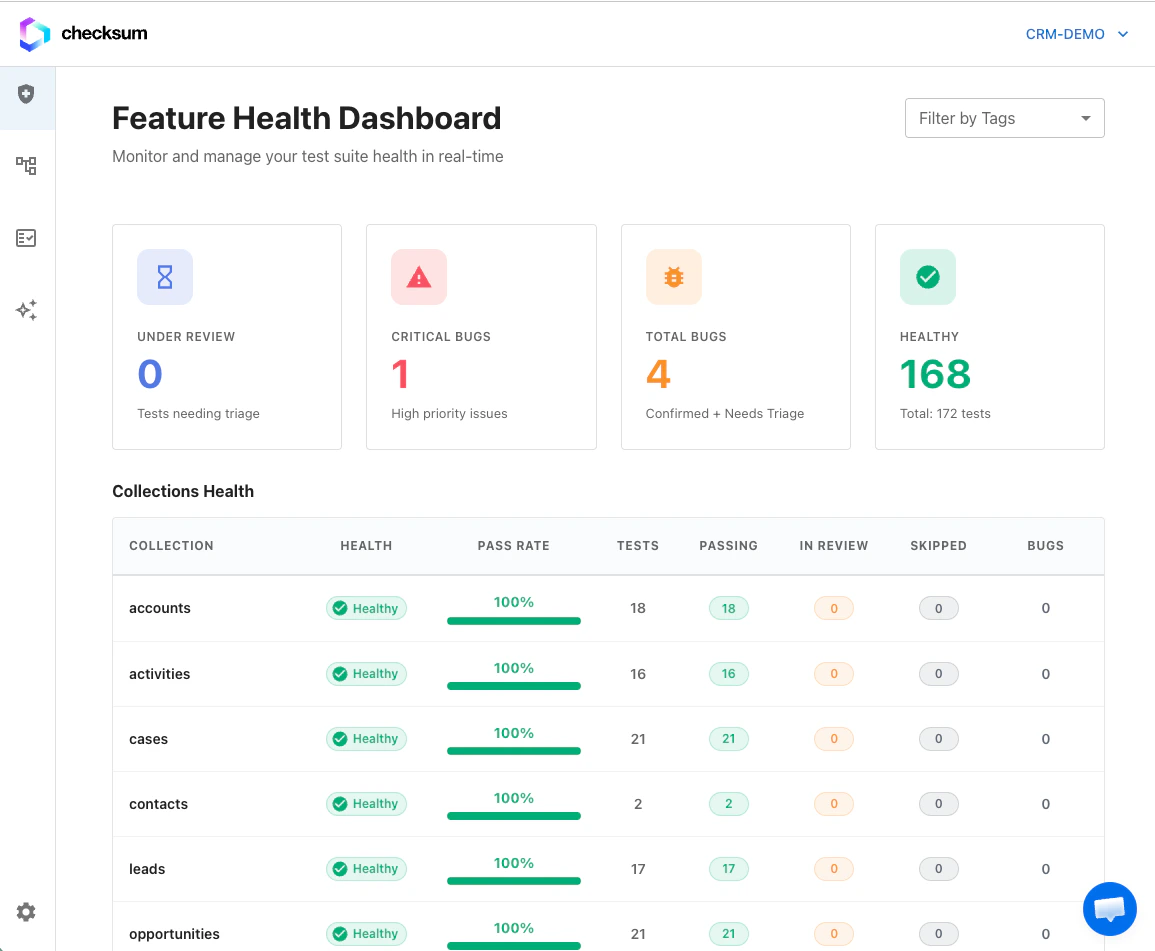
Dashboard sections
Use the project, collection, and tags filters at the top to narrow both sections at once.
Suite health
Health is calculated from recent test run history — not just the latest run:
Individual test rows also show recent run history (up to the last several runs) so you can spot intermittent failures even when the rolled-up health status is passing or failing.
Bug entities
A bug entity groups related failing tests under one trackable ID (for exampleBUG-42). This replaces managing each failing test in isolation — you triage, comment, and resolve at the bug level.
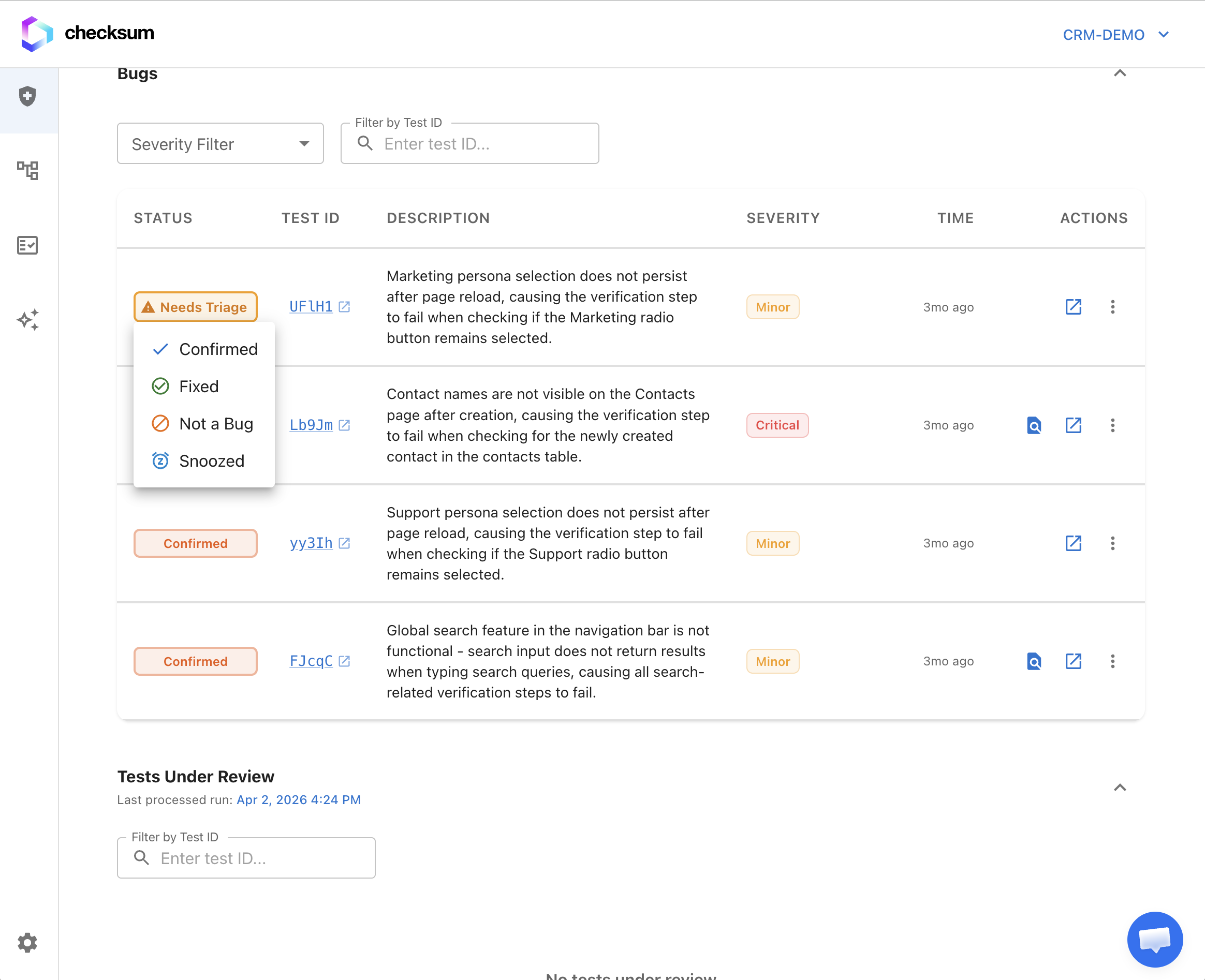
Bug status workflow
Change status from the bug row menu or the bug detail page.
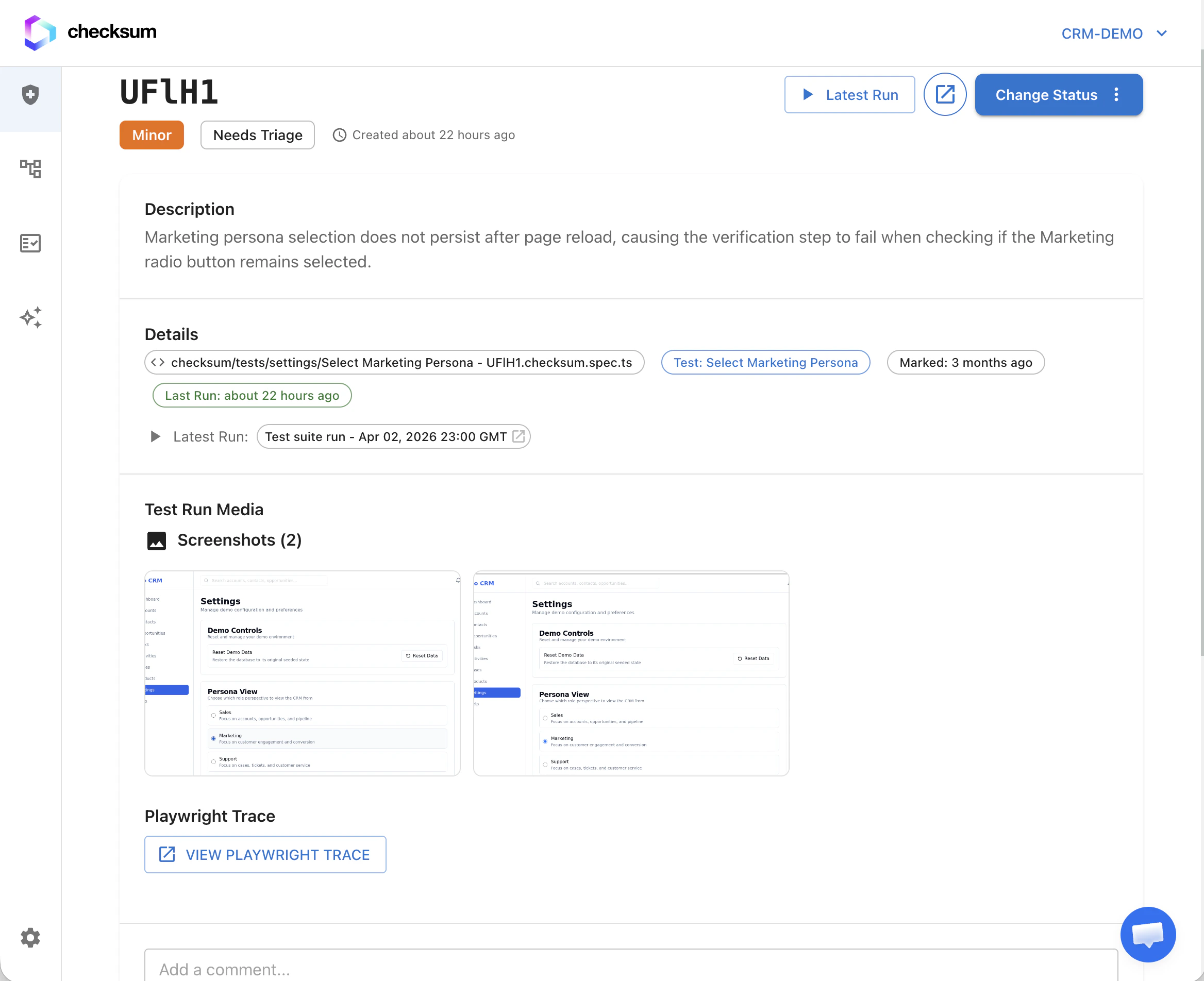
Bug detail page
Each bug includes:- Affected tests (with recent run history per test)
- Failure messages, screenshots, and traces
- Comments and attachments for team collaboration
- Links to related runs and healing sessions
Grouping and linking tests
From Under review, you can:- Mark as bug — create a new bug entity (optionally with severity and description)
- Link to existing bug — attach one or more selected tests to an existing bug entity
- Mark as clean — clear the failure without creating a bug
Resolve a bug
Resolve removes the bug entity and clears@bug annotations from every affected test file in your tests repository (opening a PR when annotations need to be removed from git). Use this when the underlying product issue is fixed.
Agent actions
From a bug row or expanded bug, you can start healing or other agent workflows on the grouped failure set (same agent sessions as elsewhere in the product).Per-test actions
On any test row (under review or inside a bug):- Open the latest test report or trace
- Start an agent session for a single test (when your project has agent workflows enabled)
Notifications and reports
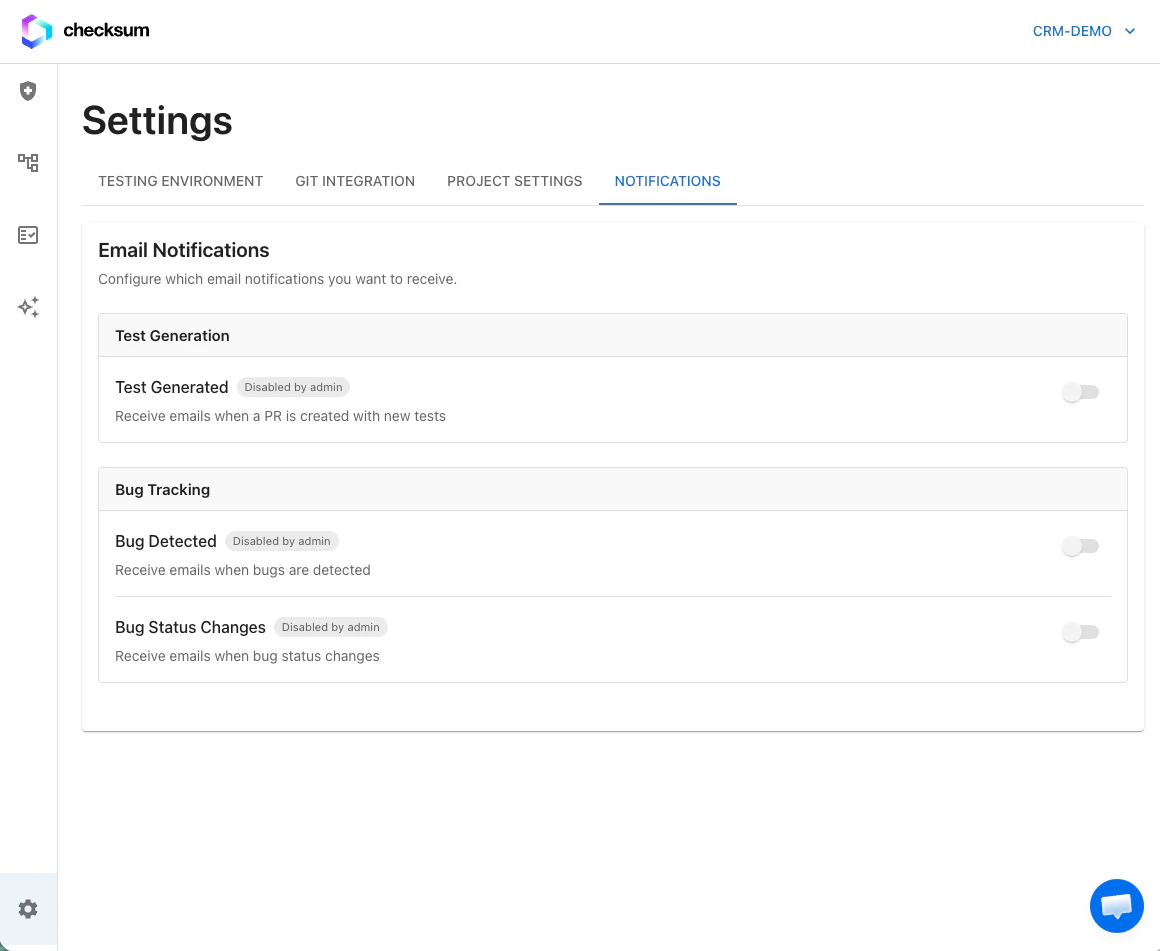
Route health events to Slack, Teams, Discord, Google Chat, or email via Settings → Integrations (Notification Connectors section; workspace admin required).
Bug notifications include stable links to bug pages in the web app (for example
https://app.checksum.ai/#/health-dashboard/bug/BUG-42).