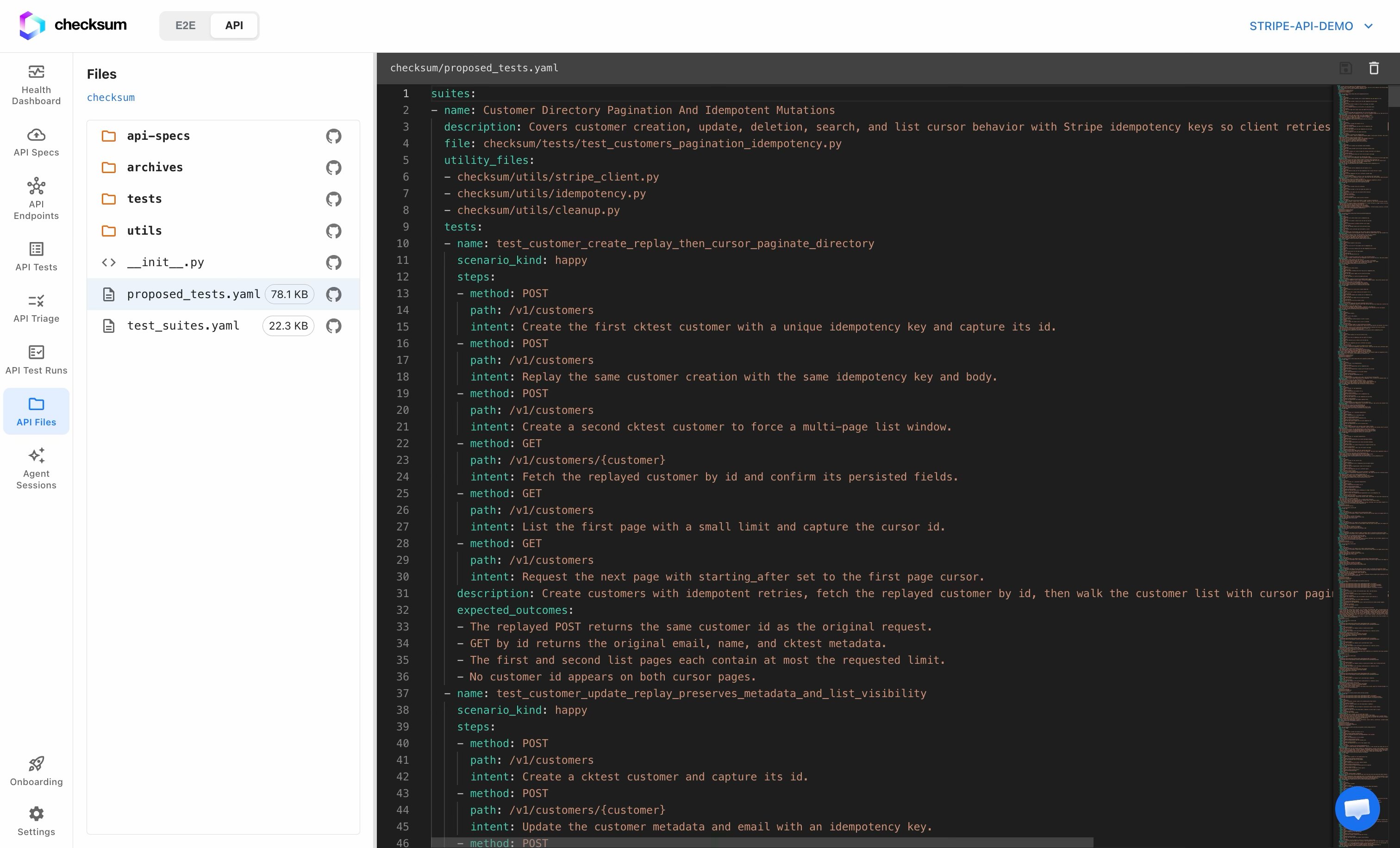
Layout
API Files has two panes:- File list (left): the folder tree for your tests repo, scoped to the
checksum/directory. Click into folders to navigate; the breadcrumb shows where you are. Drag the divider to resize the pane. - Editor (right): the contents of the selected file, with syntax highlighting for the file type (YAML, Python, JSON, and more).
Edit a file
- Select a file in the list to open it in the editor.
- Make your changes; the editor highlights that you have unsaved edits.
- Click Save. Checksum commits the change back to your tests repository on the connected branch.
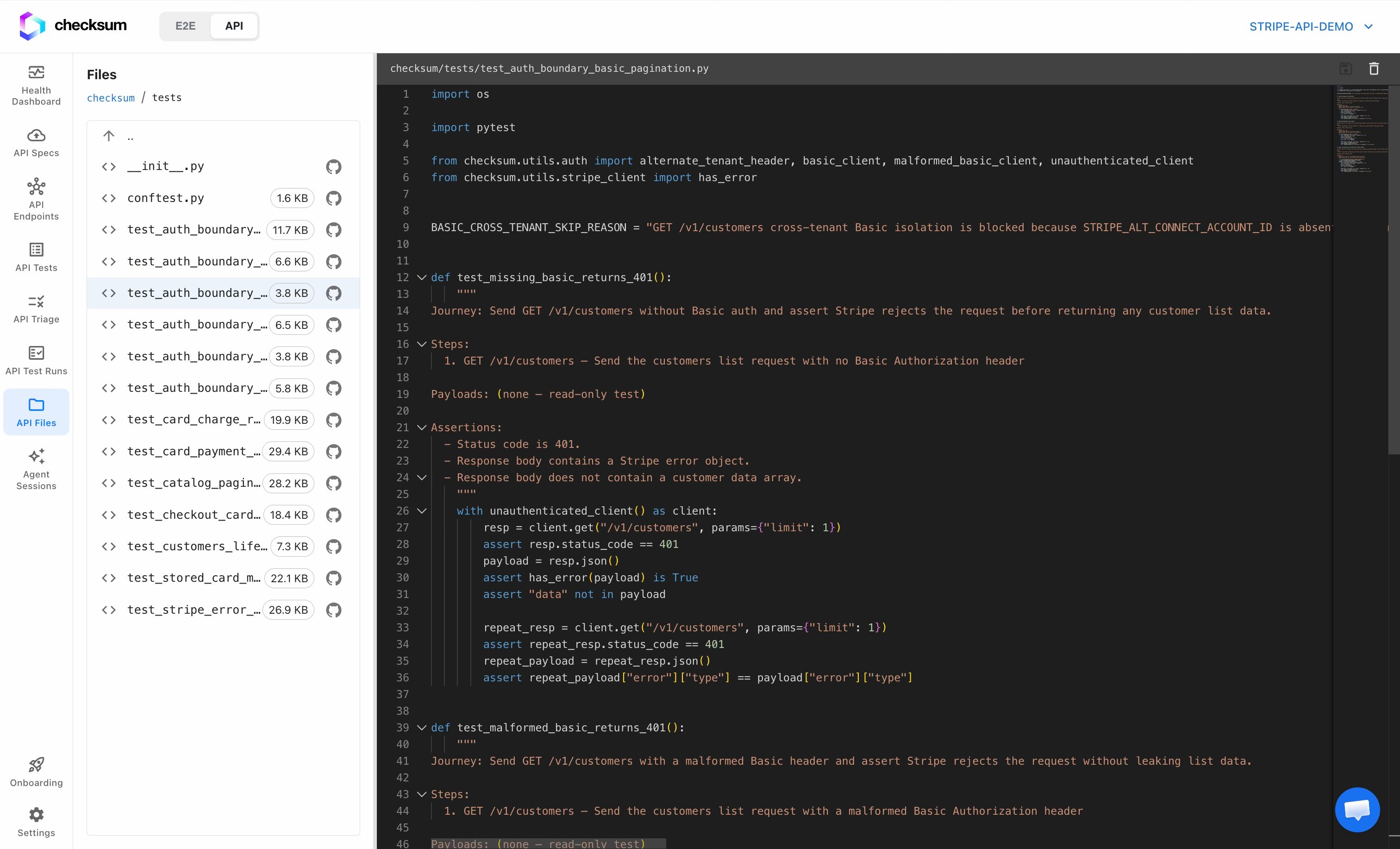
API Files operates only within the
checksum/ folder of your repo, so the rest of your repository is never touched from here.